Screenshots
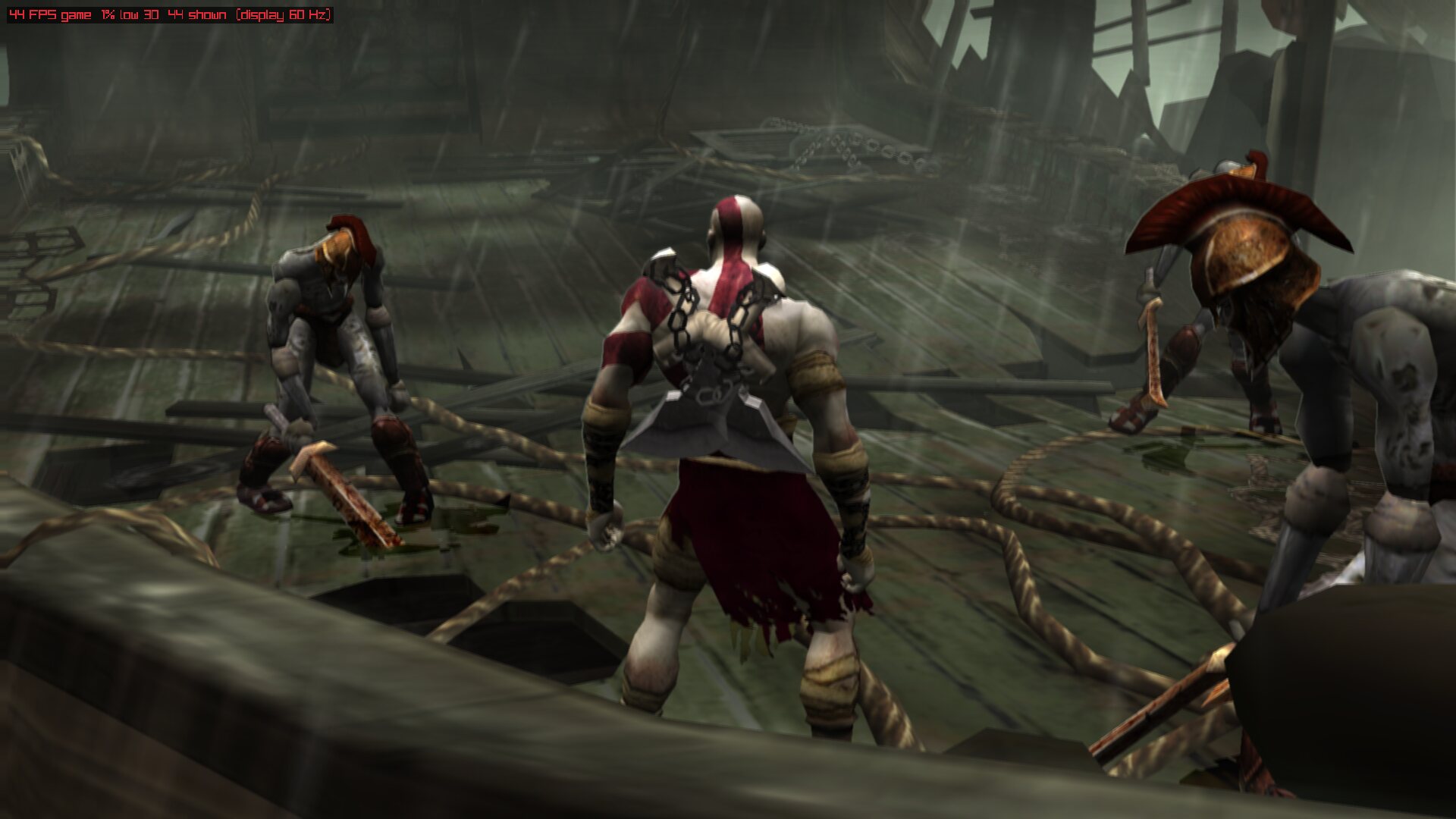
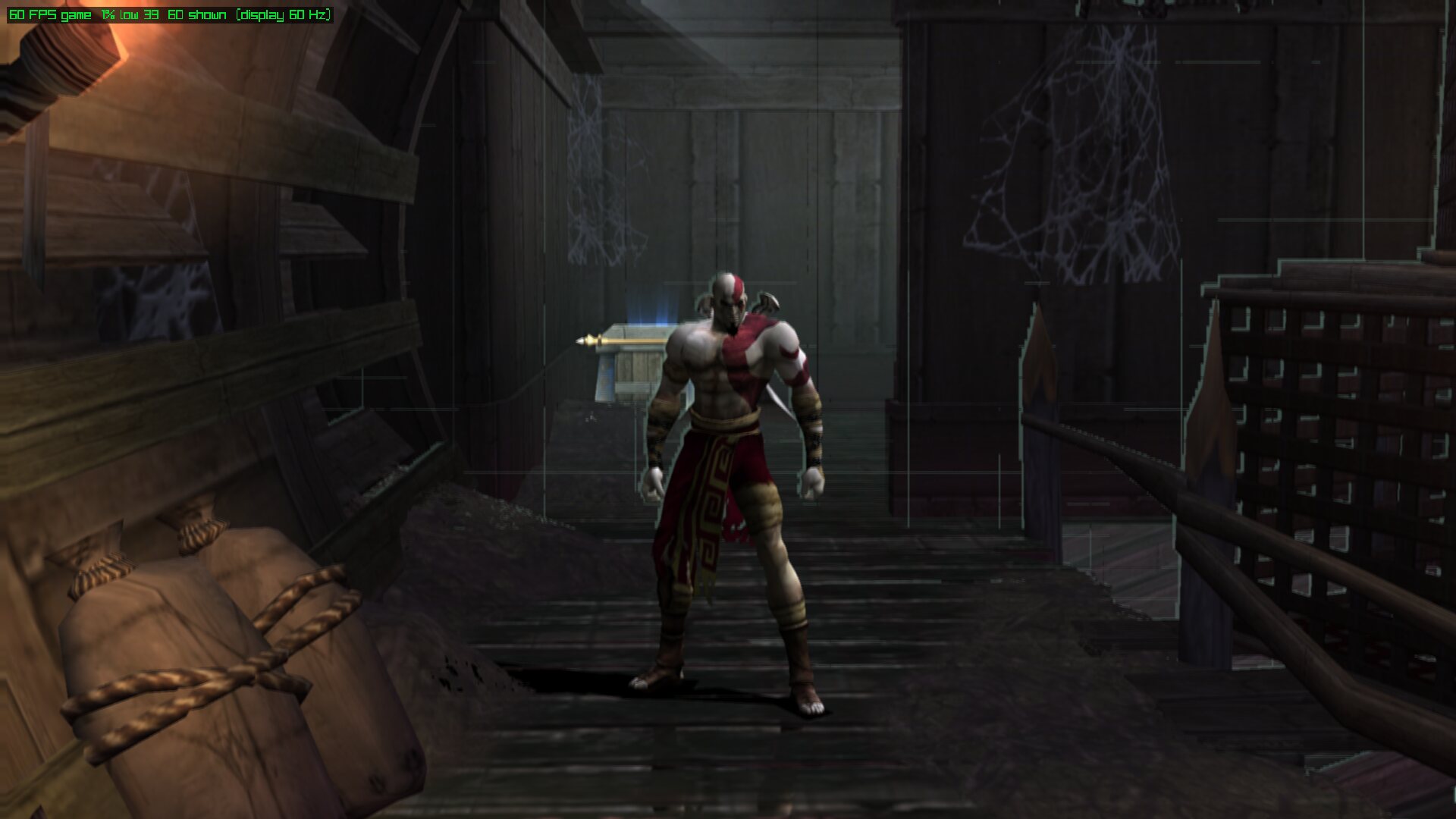
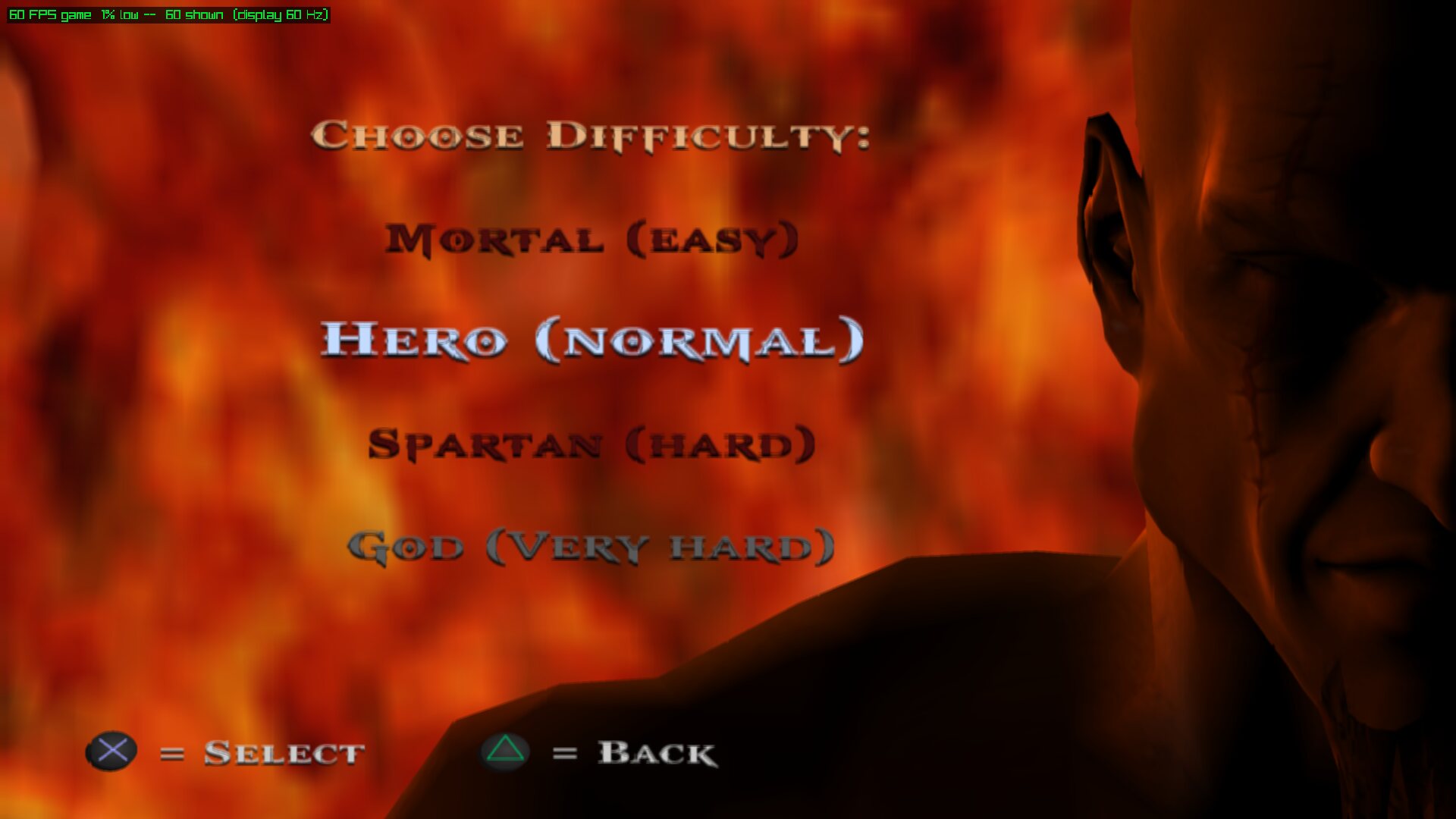
Captured on Linux with the native runner at render scale 4 (the window is 1920×1080). The FPS counter in the top left corner is the runtime's own overlay (F2).
Gameplay
Install and launch
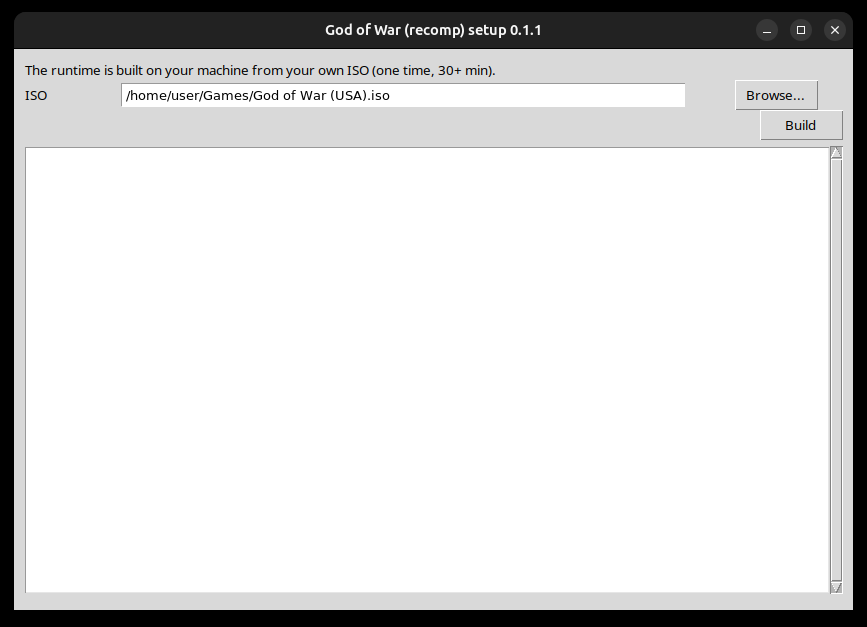
The first-run setup wizard builds the runtime from your own ISO (30+ minutes, once):
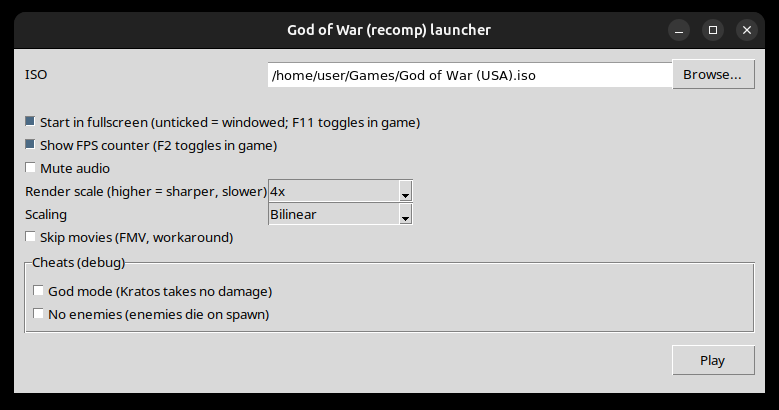
The launcher sets fullscreen or windowed, the FPS counter, mute, render scale, scaler, movies and the debug cheats:
Taking your own
- Press F2 in game for the FPS meter and F11 to go windowed, so the window is easy to grab.
- On X11 or XWayland,
import -window <id> shot.png(ImageMagick) saves the game window losslessly; find the id withxwininfo -root -tree | grep PS2-Recomp. The desktop's own screenshot tool works too. GOW_HOST_SHOT=<n>makes the runtime write the window's picture at host framentohost_shot.pngin its working directory, with no desktop involved.- For a steady, repeatable scene without touching the pad, see scripted pad and reproducible scenes.
Note
Screenshots of the game show Sony's copyrighted artwork. They are included to document the port; the game itself is not distributed. See Credits and legal.